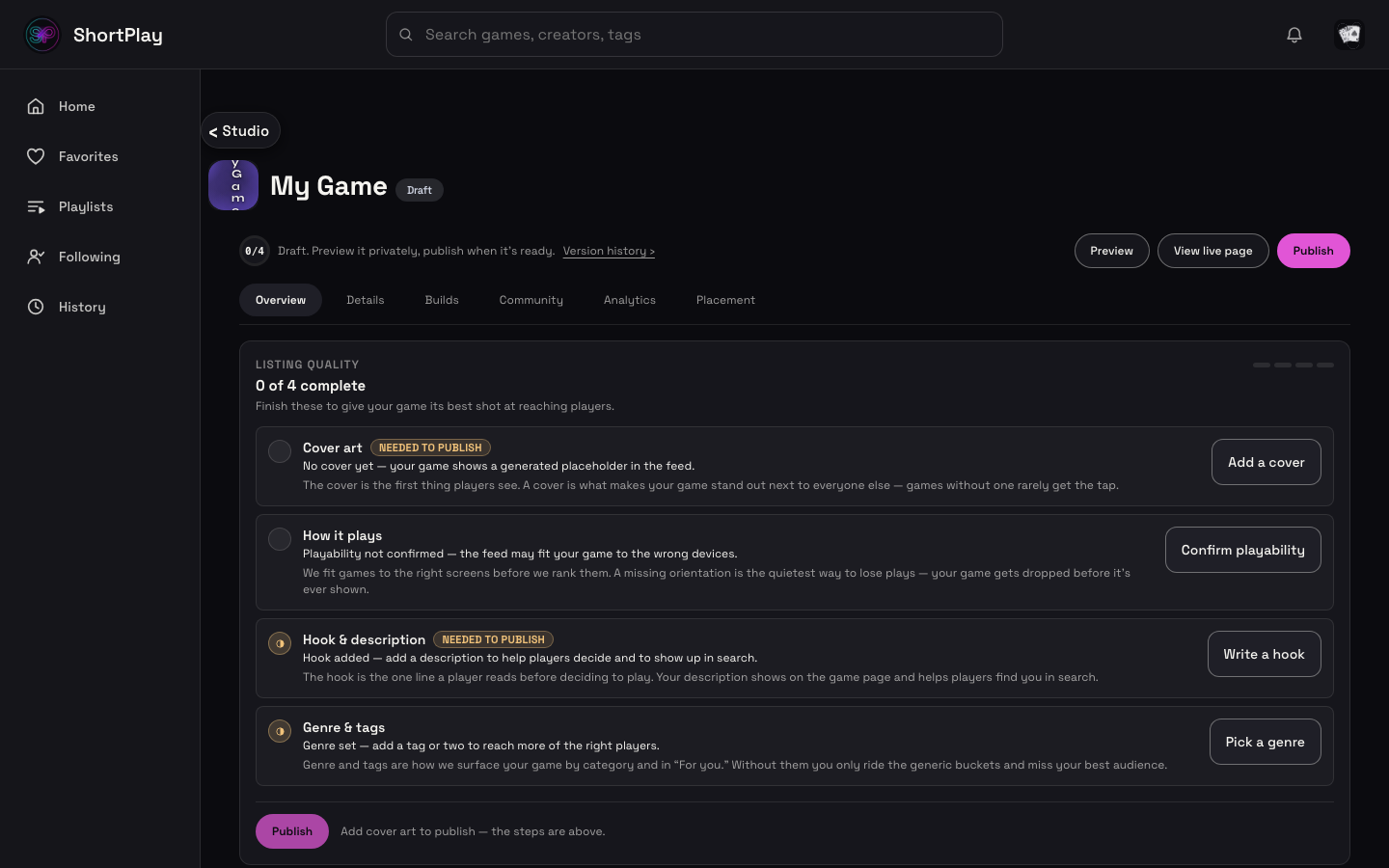
Getting started
The fastest way from "I have a game" to "it's live in the ShortPlay feed" — four steps, all in Studio.
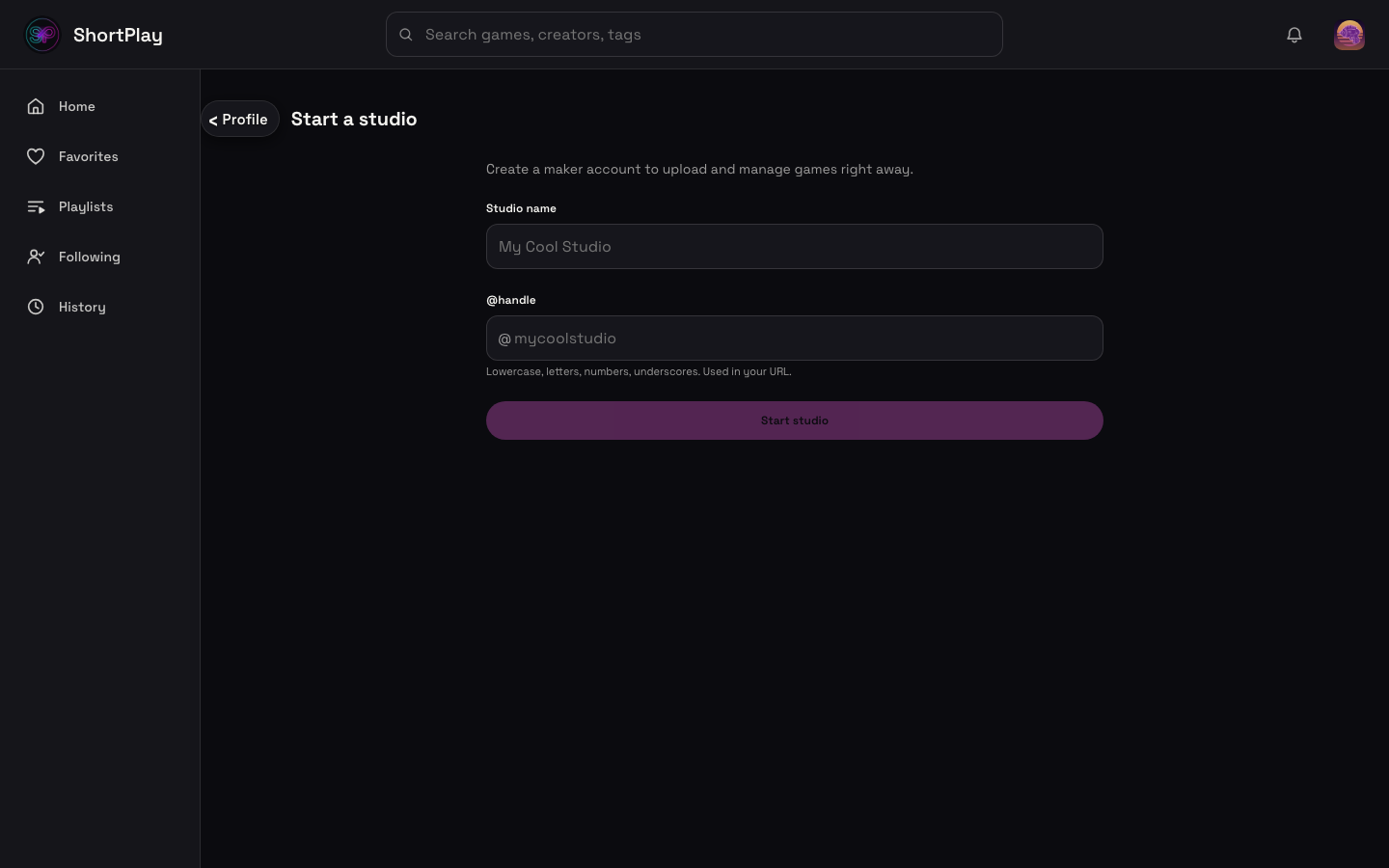
1. Create a studio
Sign in, then start a studio with a display name and an @handle (letters, numbers, and
underscores). This creates your maker page — the account every upload and publish action is
scoped to.
2. Upload a zip
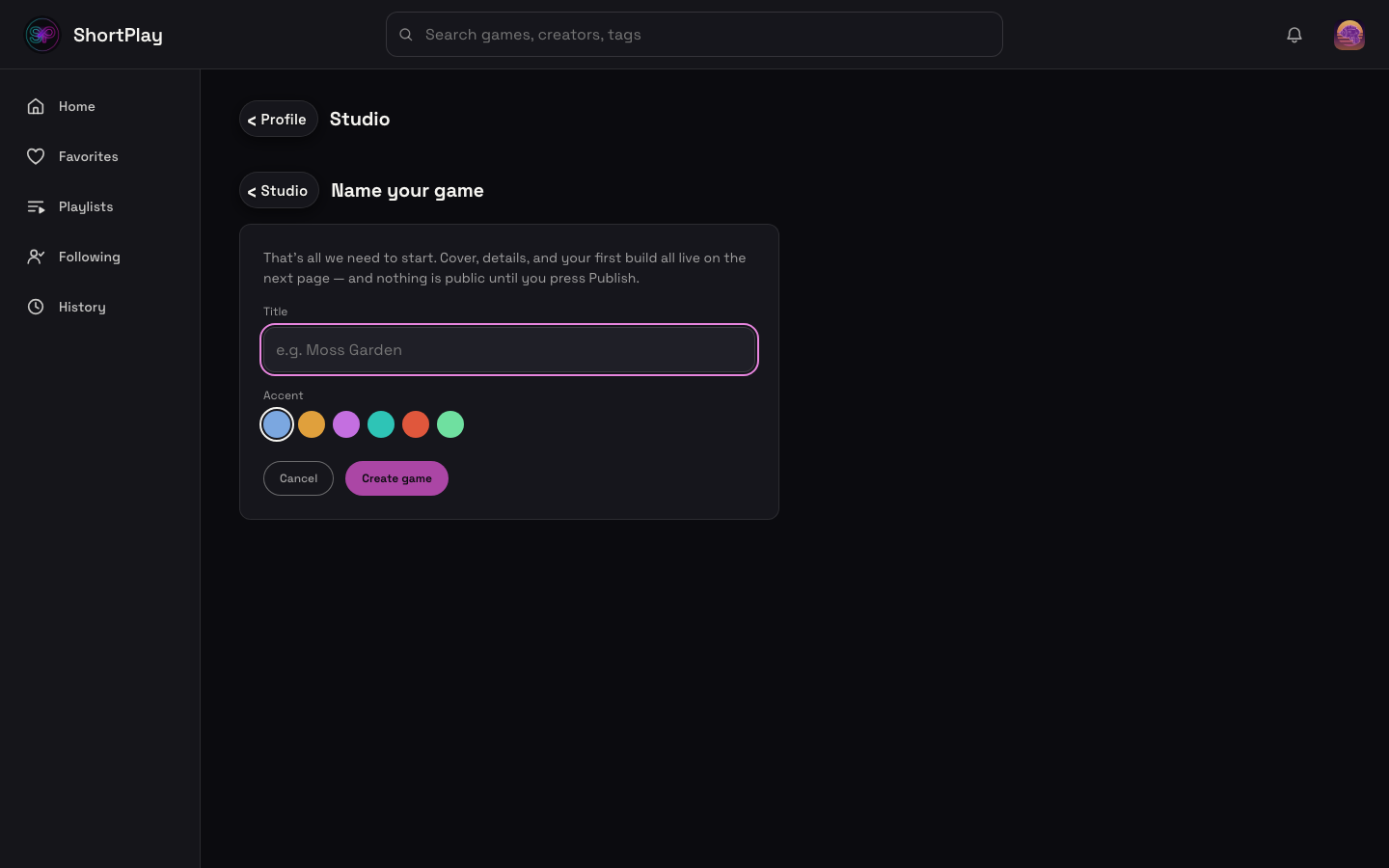
From your studio, start a new game upload. The wizard walks you through:
- Details — title, a one-line hook (max 50 characters, checked when the upload starts), and genre tag.
- Cover — an image for the feed card (optional at this step; a themed fallback covers you until you add real art).
- Bundle — the zip itself. See Zip format & versions for exactly what the zip needs to contain and the size limit.
- Confirm — ShortPlay auto-detects a starting capability manifest (inputs, orientation, whether it's playable in the feed preview) from your bundle; you review and correct it before the draft is created. This step is unskippable — you can't publish without passing through it.
Prefer scripting it? The exact same lifecycle (init → bundle → complete) is available over
HTTP with a Personal Access Token — see the Makers API
walkthrough.
3. Preview
The first upload creates the game and its v1 draft; it lands as a draft, not published. Every later upload becomes the next draft version (v2, v3, ...). From your studio's game-management page you can play any draft build in-app before anyone else can see it, and iterate — upload a new version and preview that one instead.
4. Publish
When you're happy with a build, publish it. Publishing is explicit — nothing goes live automatically on upload. Once published, your game appears in the feed after the next pool rebuild. You can unpublish, roll back to a prior version, or ship a new version at any time — see Zip format & versions.